Meet Wi-GaTe Now
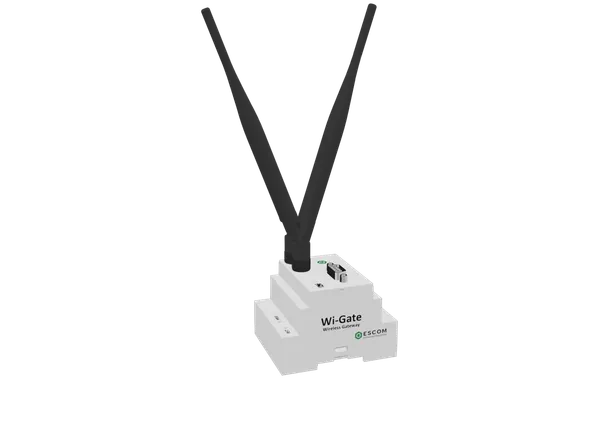
High-Performance Industrial Wireless Gateway.
Wi-GaTe
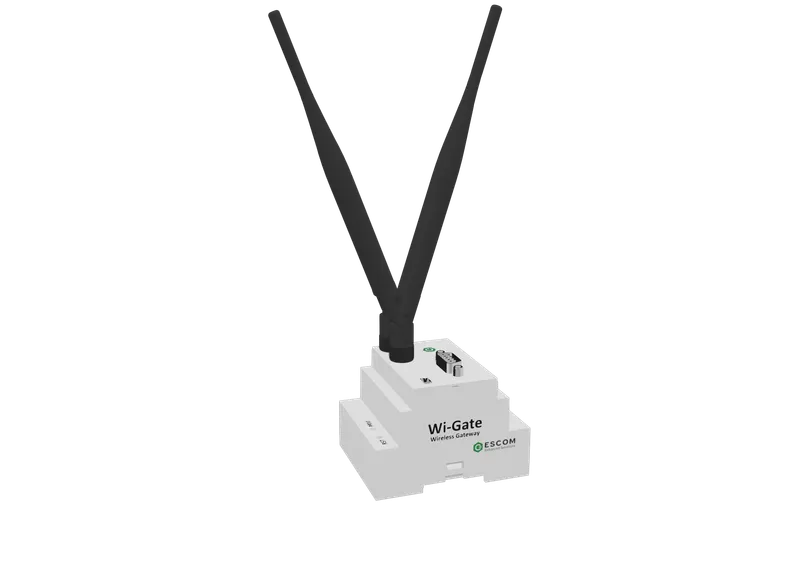
Wi-GaTe is an autonomous, self-powered industrial receiver gateway driven by energy harvesting, eliminating cables and battery maintenance in industrial networks.
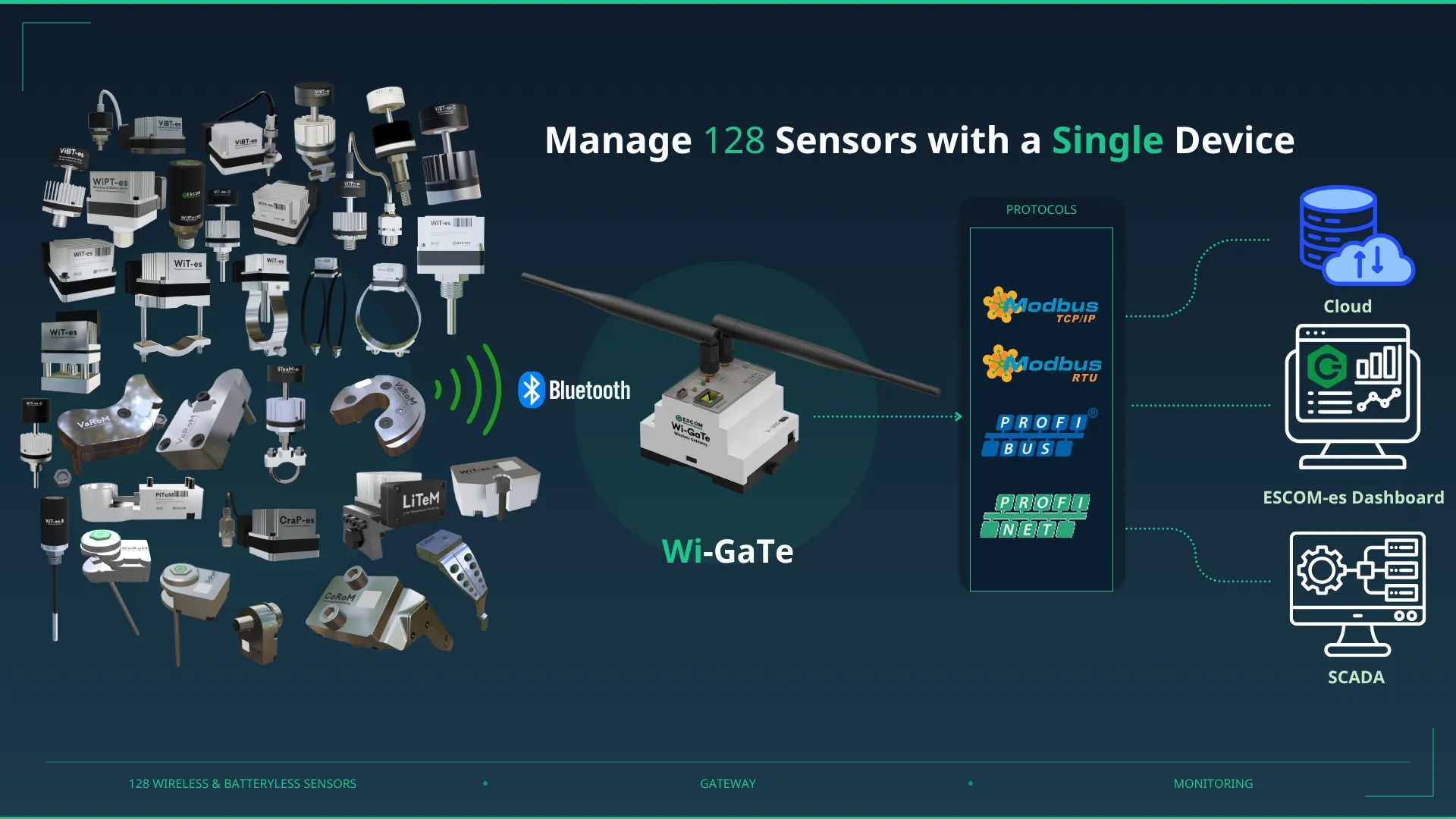
Simultaneously processes and routes data from up to 128 different ESCOM-es wireless sensors (WiT-es, WiPr-es, etc.) from a single central hub.
Connects directly to your existing SCADA/PLC infrastructure via RS485, Modbus RTU, Modbus TCP/IP, Profibus DP, and Profinet.
Switch to built-in AP (Access Point) mode and configure all MAC mappings and protocol settings directly from your web browser.
Snaps securely onto DIN rail in seconds using its latch-lock DIN rail mounting structure designed for industrial panels.
Wiring Costs and Fragility
Traditional wired systems lack flexibility. Running hundreds of meters of cable is a massive capital investment, and physical breaks or failures leave your facility constantly at risk of data loss.
Isolated Sensors, Blind Decisions
Sensors that measure in the field but cannot relay data to the control room in real time leave you 'blind'. Instead of responding immediately to problems, you remain reactive after failures occur.
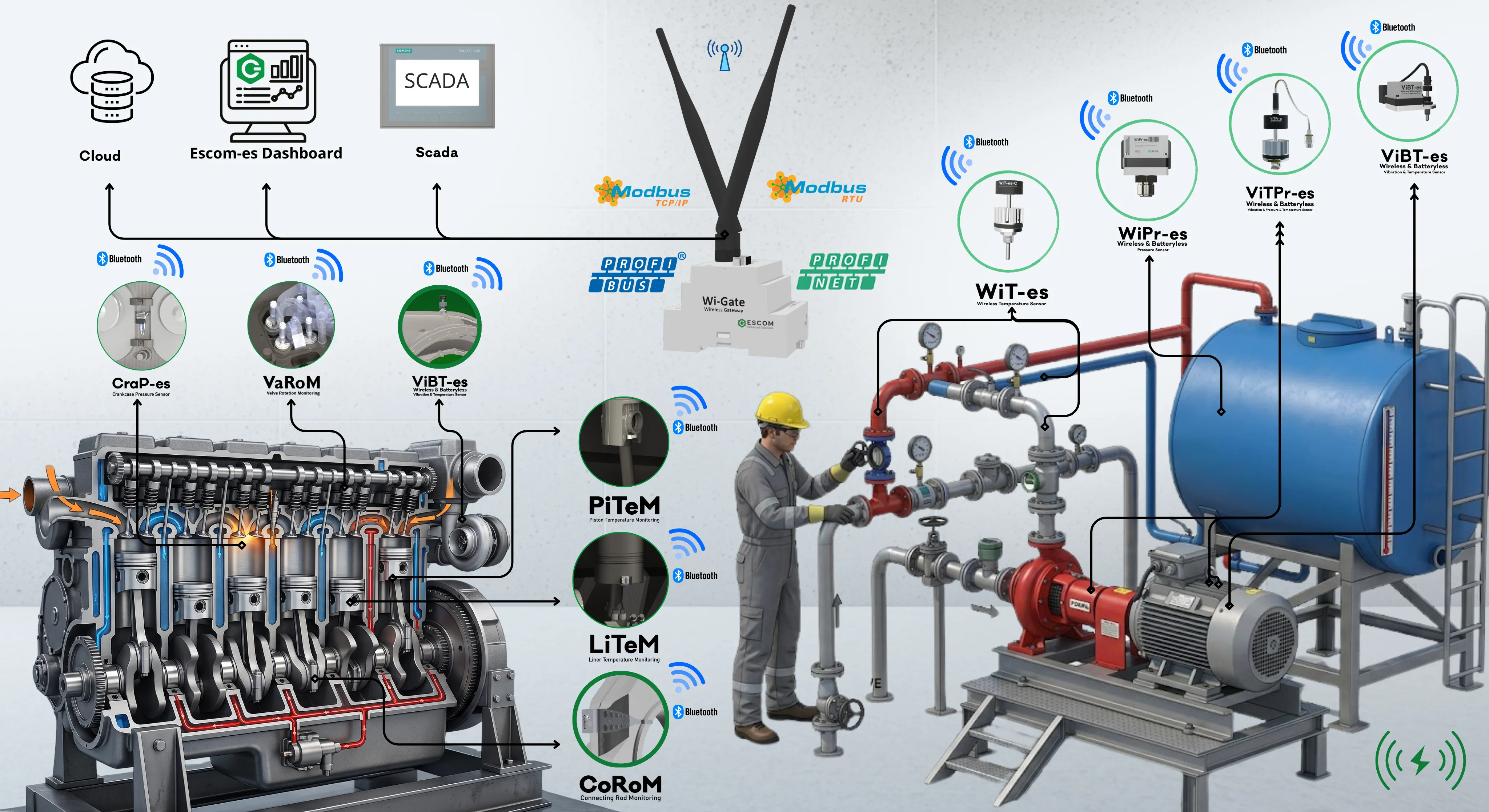
1 Kilometer Range, 128-Sensor Capacity.
Deliver high-speed, stable data flow to even the farthest points standard routers cannot reach with a single device. Wi-GaTe provides coverage of up to 100 meters indoors and up to 1000 meters (1 km) in industrial outdoor areas. Connect 128 different sensors in your facility to one Wi-GaTe and say goodbye to complex infrastructure.
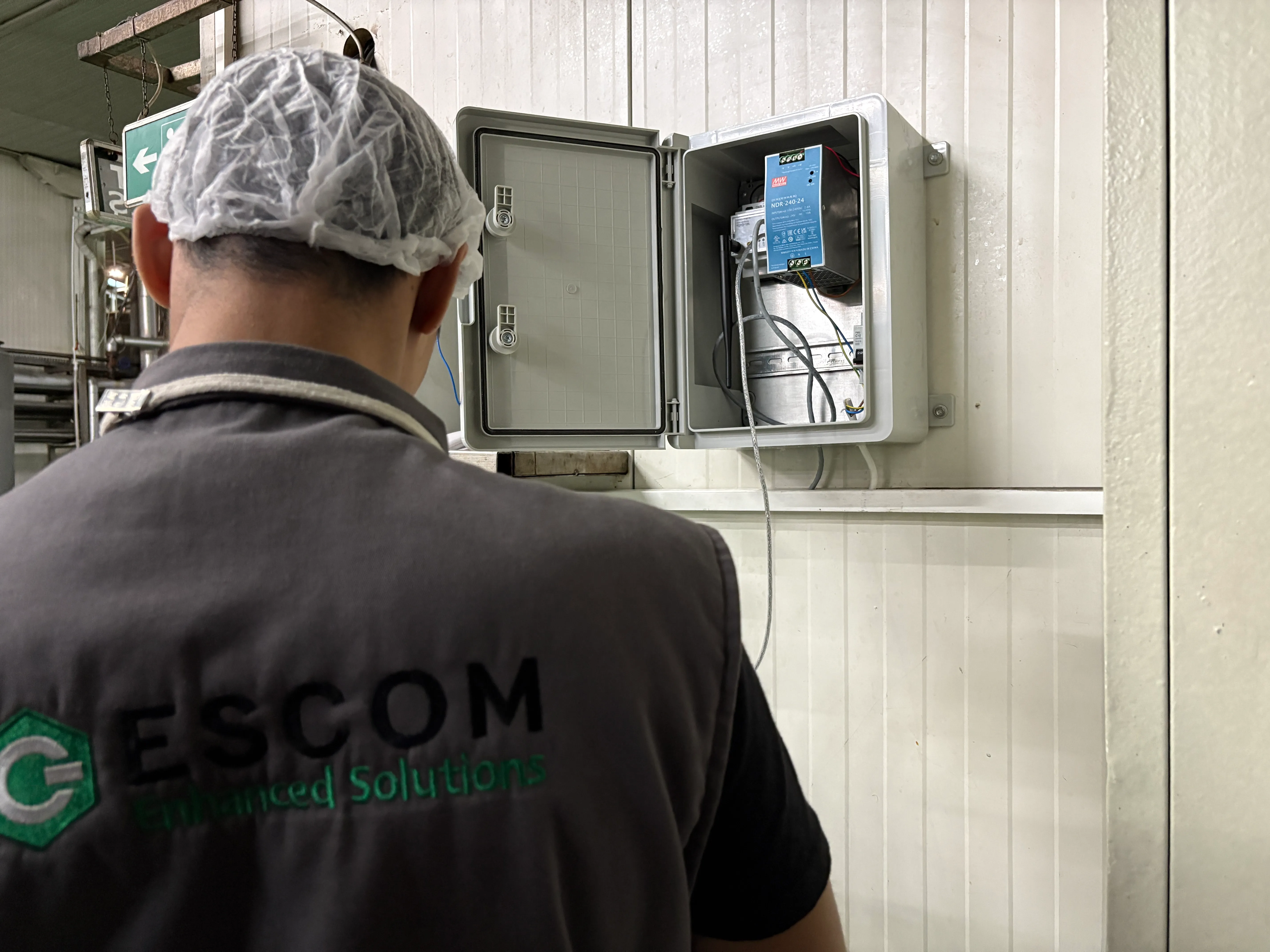
Lossless Data, Instant Integration
Wi-GaTe eliminates all these limitations. It collects all data losslessly from large industrial facilities using BLE at +19.5 dBm for short distances and LoRa at +30 dBm for long-range coverage.

Centralized Management and Routing
Transmits collected temperature, pressure, and vibration data at high speed to registered MAC addresses within the PLC. With a 128-device capacity, it manages your facility's data traffic expertly and without congestion.
Plug-and-Play with Web Interface
The device has no power button — it starts automatically when 8–28 VDC power is applied (PWR LED turns red). Using the PRG and RST buttons, you can easily enter parameter mode (Wi-GaTe network) and configure Baud rate, Slave ID (0–126), and all other settings in seconds via the web interface.
With robust hardware operating from -20 °C to +85 °C and antenna extension capabilities, it delivers high performance even inside the toughest panels and metal-obstructed industrial environments.
| Property | Value |
|---|---|
| Power Supply | 8–28 VDC |
| RF Transmit Power (BLE) | +19.5 dBm |
| RF Transmit Power (LoRa) | +30 dBm |
| RF Receiver Sensitivity | -93 dBm (BLE) / -150 dBm (LoRa) |
| Communication Protocols | RS485, Modbus RTU/TCP-IP, Profibus DP, Profinet, Wi-Fi, BLE, LoRa |
| Maximum Sensor Count | 128 sensors (simultaneously connected) |
| Coverage Area | 100/1000 meters |
| Mounting Type | Latch-Lock DIN Rail Mount |
| Operating Temperature | -20 °C to +85 °C |
| Dimensions | 55.80 × 85.70 × 69.70 mm (excluding antenna) |
| Weight | 142 g |
Centralize Your Sensor Network
Seamless connectivity for up to 128 devices. 100% compatible industrial integration with your SCADA, PLC, and industrial systems.
Frequently Asked Questions
Wi-GaTe is a high-performance industrial gateway developed by ESCOM-es. It efficiently processes data from sensors (WiT-es, WiPr-es) and routes it to registered MAC addresses in your PLC or SCADA system.
The device operates on 8–28 VDC. Always observe polarity (V+, GND) when connecting power — incorrect wiring can damage the device. There is no on/off switch; it powers on automatically when voltage is applied and the PWR LED turns red.
Press and hold both the PRG and RST buttons simultaneously, then release RST. When the STT LED begins blinking at 300 ms intervals, the device has entered Parameter Mode (AP).
Hook the top latch onto the DIN rail, then press the bottom of the device gently using the flex of the rear latch lever until it clicks into place. To remove, pull the latch lever downward to release it from the rail.
Yes, it is critical for signal quality. If the device is inside a metal panel that obstructs the signal, use an antenna extension cable to route the antenna outside the panel. Also protect antennas from liquids and rain.
Up to 128 different sensors can be connected simultaneously. BLE (+19.5 dBm) is used for short-range transfers, and the powerful LoRa (+30 dBm) infrastructure is used for long-range or obstructed distances.
Depending on the model variant: RS485, Modbus RTU, Modbus TCP/IP, Profibus DP, and Profinet — covering a broad industrial communication spectrum.
Wipe the exterior with a dry, clean cloth. Never use thinner, alcohol, or abrasive solvents. Protect the device from direct liquid contact, excessive dust, and mechanical impact.